



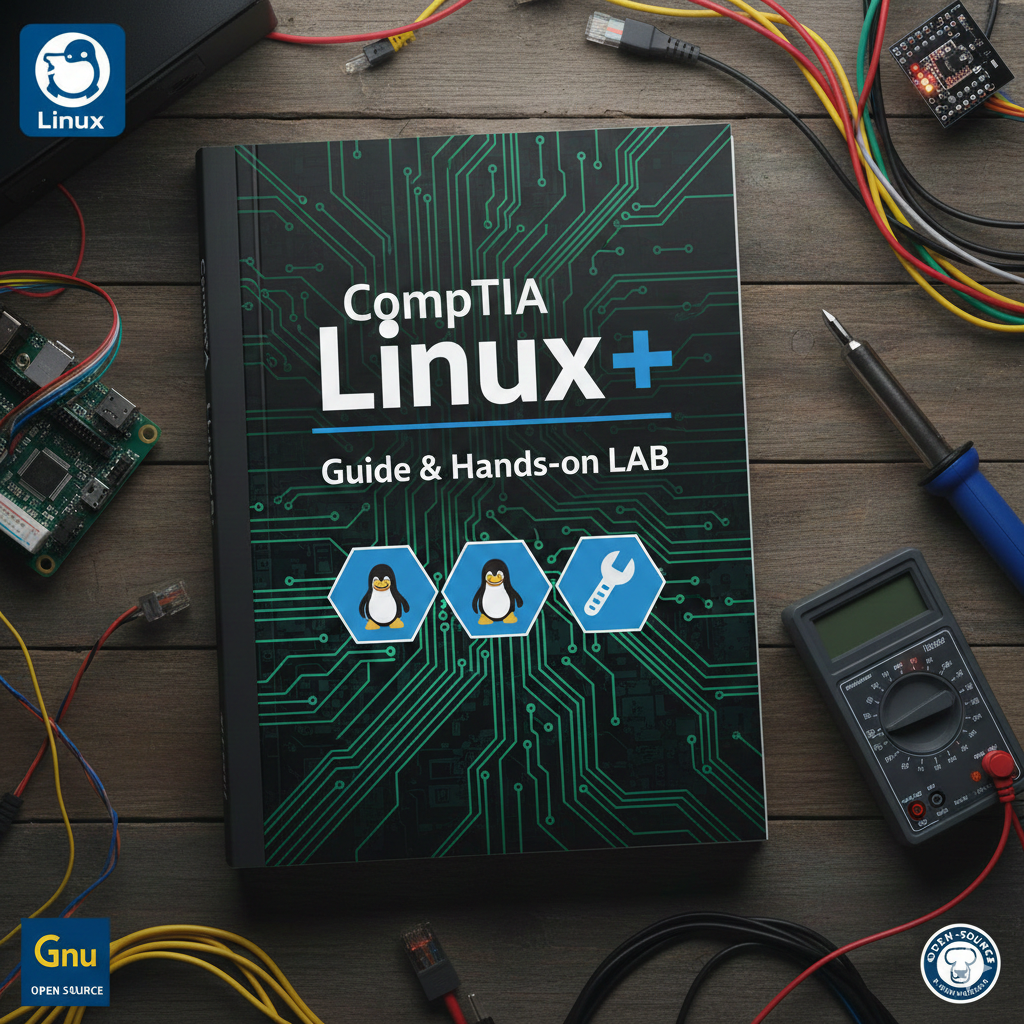
The CompTIA Linux+ course is a comprehensive training program designed to provide you with the essential skills and knowledge needed to become a proficient Linux administrator. This course is tailored for individuals who are new to Linux or seeking to enhance their existing Linux expertise. It covers the core concepts, tools, and techniques required to effectively manage Linux systems in enterprise environments.
Throughout the course, you will gain a deep understanding of Linux architecture, installation, package management, file systems, shells, scripting, and networking. You will learn how to perform essential administrative tasks such as user and group management, file permissions, process management, and system monitoring. Additionally, you will explore advanced topics including virtualization, cloud computing, troubleshooting, and security.
Practical hands-on exercises and lab sessions will be an integral part of the course, allowing you to apply your knowledge in real-world scenarios. You will have the opportunity to work with industry-standard tools and technologies, gaining valuable experience in configuring and managing Linux systems.
By the end of the course, you will have acquired the skills needed to successfully pass the CompTIA Linux+ certification exam. This globally recognized certification validates your expertise in Linux administration and enhances your credibility in the field of information technology.
Whether you are a beginner taking your first steps in the Linux world or an experienced IT professional seeking to expand your skill set, this course provides a solid foundation and empowers you to confidently administer Linux systems in a variety of organizational settings.
Embark on this comprehensive journey into Linux administration and unlock exciting career opportunities in the ever-growing field of open-source technology.
What Will You Learn?
- Linux System Administration: Gain a comprehensive understanding of Linux system administration tasks, including user and group management, file permissions etc
- Networking in Linux: Learn how to configure network interfaces, manage network connections, troubleshoot networking issues, and implement basic network services
- Acquire the skills to implement Linux security measures, manage user and group permissions, secure network services, configure firewalls, and cryptography
- Develop the ability to diagnose and troubleshoot common Linux system issues, perform system backups and restores, manage system logs
Requirements
- The CompTIA Linux+ certification does not have formal prerequisites. However, it is beneficial to have basic computer skills, familiarity with operating systems, and a basic understanding of networking fundamentals. Practical experience with Linux systems is also recommended to reinforce the knowledge gained in the course and enhance exam success.
Audience
- This course is designed for individuals who are interested in becoming Linux administrators or advancing their Linux administration skills. It is suitable for beginners who are new to Linux as well as experienced IT professionals looking to expand their knowledge and obtain the CompTIA Linux+ certification.
Course Content
Setup LAB for Linux Administration
Introducing Linux
-
Characteristics of Free Open Source Software
06:02 -
Linux History and features
04:50 -
Understanding Linux Distributions (Gui vs CLI)
07:29 -
Bash Shell and command Structure with Example
13:22 -
Bash Tab Completion and History LAB
07:17 -
Text Editor Vim and Nano in Linux
11:10 -
Identify Common Directories in Linux
06:35 -
Linux Basic uses LAB
04:06 -
Use Help in Linux
06:23 -
Identify the Linux Troubleshooting Methodology
04:14
Administering Users and Groups
-
Manage user Accounts part 1
15:18 -
User Configuration files and management commands
09:07 -
Manage the Group – Create Group
10:00 -
Manage Groups – Modify the Group
06:35 -
Configure Privilege Escalation
13:49 -
Policykit Configuration
04:29 -
Troubleshoot User and Group Issues
11:12
Configuring Permissions
-
Standard Linux permission access level and identities
09:26 -
LAB on Standard Linux permission access level and identities
06:15 -
13:50
-
Symbolic mode permission and troubleshooting
07:47 -
Configure Special Linux Permissions
06:52 -
LAB Configure Special Linux Permissions
11:54 -
Configure Access Control Lists
04:15 -
LAB Configure Access Control Lists
03:26
Implementing File Management
-
File system Hierarchy standards and Subdirectories
13:11 -
Key Directories and File Metadata
06:22 -
Understand Absolute and Relative Paths
08:48 -
Configure File Link – Symbolic and Hard Link1
04:48 -
LAB Configure File Link – Symbolic and Hard Link
14:16 -
File Management Commands part 1
08:24 -
File Management Scenario
10:36 -
LAB File Management in Linux
22:17 -
12:27
-
Find File Locations
04:09 -
LAB search Files
11:01
Authoring Text Files
-
tar, cpio and dd tools and its functions
07:17 -
File Compression in Linux
05:02 -
Confirming File Integrity
02:41 -
LAB – Backup Restore and Compress files
15:22
Managing Software
-
Package Management and Compiling Source Code
04:15 -
05:02
-
Package Manager and Software dependency
06:12 -
Red Hat Package managers
21:44 -
Query and Repositories
07:15 -
apt update and upgrade commands with Explanation
10:27 -
Install and remove packages using APT
04:54 -
use dpkg to install remove packages in Linux
05:29 -
Manage Debian Repository Configuration files
06:09 -
Compile from Source code
04:56 -
LAB Compile the program from source code
03:13 -
Wget command to acquire the software
04:31
Administering Storage
-
Storage types and Designs
08:52 -
Storage Interfaces and Types of Partitions
05:06 -
Traditional vs Logical volume manager LVM
05:27 -
Raid Storage and Disk Quota
04:25 -
Installation and Partitioning the Drive
13:13 -
Make Filesystem and mount the partition
05:18 -
Filesystem and Testing tools
10:51 -
What is Logical Volume Manager LVM
09:43 -
Linux Filesystem and testing storage
08:29 -
Create Filesystem and mount permanent Logical Volume
06:42 -
lvm make filesystem and mount logical Volume
10:58
Managing Devices, Processes, Memort and the Kernel
-
Hardware Information Tools
11:28 -
Identify Block, Character, and Special Devices
04:55 -
CPU and Memory info Tools
06:30 -
Process and Its signal type
09:55 -
05:35
-
Manage the Virtual Memory and Swap Space
12:27 -
Free and VMstat
02:25 -
What is the Linux Kernel
07:30 -
What are kernel Modules
10:58
Managing Services
-
Manage Services
13:17 -
Updating Configuration files
03:59 -
Logs, Severities, Facilities, and config File Location
05:25 -
Schedule Tasks using crontab and at
05:11 -
Configure NFS Server and Client
02:27 -
Timedatectl and localectl Commands with LAB
13:17 -
Configure a Webserver
13:13 -
Deploy services – Remote Syslog Server LAB
07:36
Configuring Network Settings
-
TCP IP Layers
06:22 -
Nodes and Network Devices
07:33 -
IP address introduction Explained
09:58 -
Network Segments and Ports
08:13 -
IP and Ifconfig command in Linux
08:04 -
Network Manager in Linux
10:41 -
Network Configuration files and DHCP client
10:30 -
Name, hostname and other useful files and command
11:28 -
Configure SSH Remote Access for Administrative
08:10 -
Other Remote-access Tools
03:31 -
LAB Configure SSH and security
11:48 -
Configure Cockpit a remote access tool
06:19 -
SCP command and Rsync for synchronization
08:19 -
Troubleshoot the Network
07:24
Configuring Network Security
-
Firewall Locations in the Enterprise
06:43 -
Actions and Features of Firewall
10:54 -
Firewall Technologies and Selection Criteria
08:03 -
LAB Configure Firewall in CentOS
08:44 -
LAB Configure Firewall in kali Linux
05:54 -
Monitor Network Traffic
13:16
Managing Linux Security
-
Harden Linux system and its Examples
11:59 -
Goal of Security Practices and Encryption
13:31 -
Hashing Graphics
02:46 -
LAB Harden a Linux System
14:49 -
Certificate and Public Key Infrastructure – PKI
10:15 -
Integrity Checking with hash function
03:59 -
LAB md5shum command
05:02 -
What is Identity and Access Management
04:39 -
Methods of Authentication including PAM
09:03 -
What is SELinux
07:51 -
LAB SELinux Enable disable and Configure
05:32 -
Configure SELinux and Policy
05:29
Implementing Simple Scripts
-
Advantages, comment in bash Scripting
12:41 -
Script Permissions and File Extensions
04:10 -
Use Shell Script Elements part 1
06:35 -
Arrays and Functions
05:11 -
Common Script Utilities
07:22
Using Infrastructure as Code
-
Goals and Characteristics of DevOps
07:11 -
Benefits and Use Cases of Infrastructure as Code (IaC)
06:10 -
Implement Orchestration
08:24 -
LAB Configuration of the System With Ansible
19:17 -
Manage Version Control with Git
12:25 -
LAB Manage Version Control with Git
20:24
Managing Containers in Linus
-
Understanding Container Concepts
07:22 -
Images Containers and DockerFile
03:27 -
Deploy Containers
08:57 -
Advanced concept in Containers
06:55 -
LAB Deploy Containers
17:25 -
Understand Virtualization Concepts
11:36
Installing Linux
-
The Linux Boot Process
11:49 -
Modify Boot Settings
09:44
A course by

Student Ratings & Reviews

 Lessons: